Skip to content
Link to a form from a campaign

Link to a form from a campaign

By Loïc Bresler 1 min read

When you have finished creating your form, simply copy the URL of the form.

URL of the form to copy from the « Form page » tab

Then return to your campaign, to the block from which the prospect will access your form.
Finally, paste the URL of the form into this block.
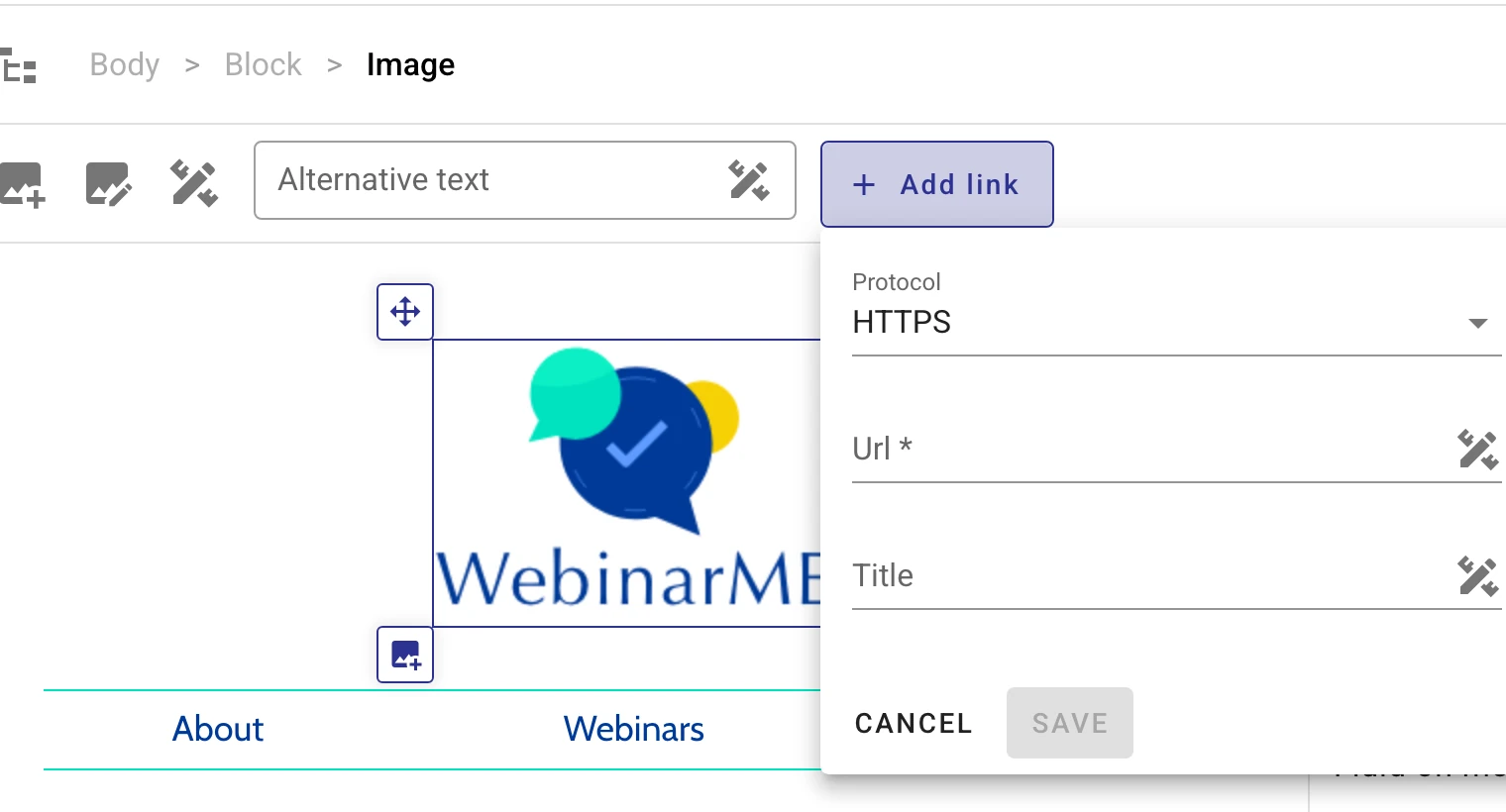
Paste the form URL in the « Url » field after selecting the image and clicking « Add link »

This post is also available in Français.

Last updated on