How to pre-fill the fields
Operation
Each field can be pre-filled.
The values to appear in the fields must be passed as arguments in the URL to the form.
Simple example
In the following example, we have declared several fields:
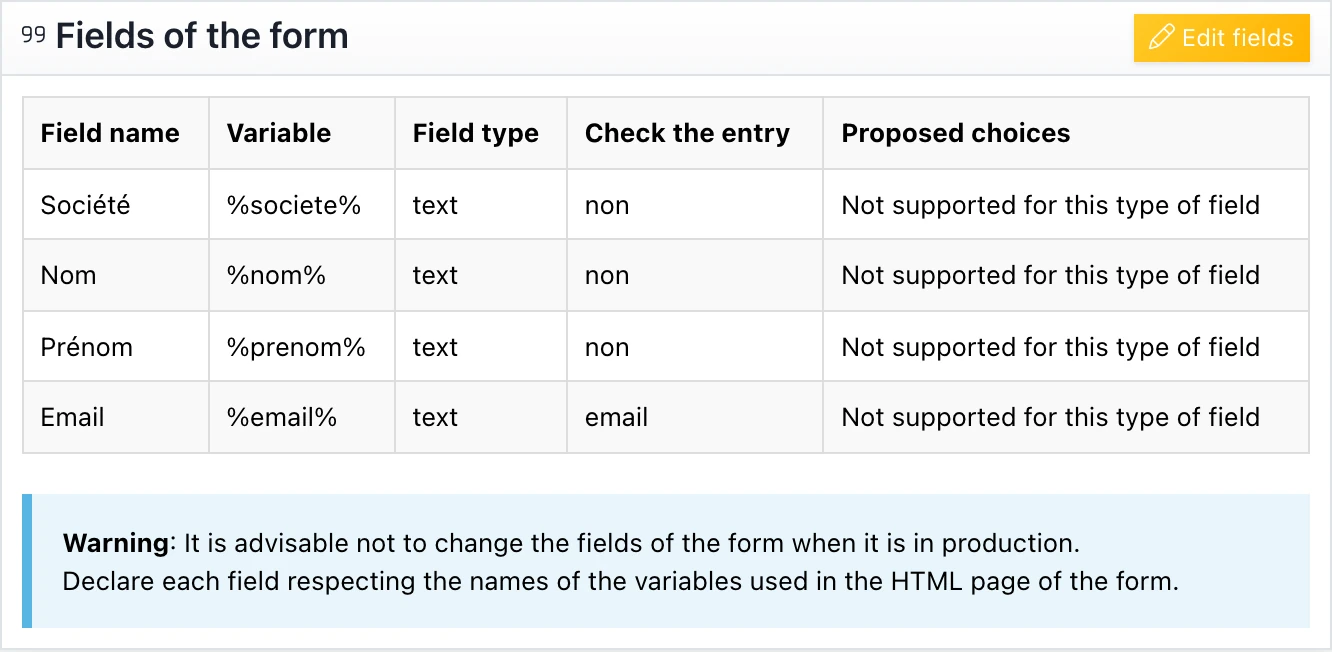
Example of URL with pre-filled fields :
http://www.cgrx.com/?serial=XXXXXX&civilite=Monsieur&nom=Dupont&
prenom=Jean&adresse=18 rue Bach&code_postal=75015&ville=Paris
What displays:

Example from a campaign
To build the link to a form from a campaign, you must use the customization variables.
Let’s assume that the columns of the campaign’s recipient file are in the following order:
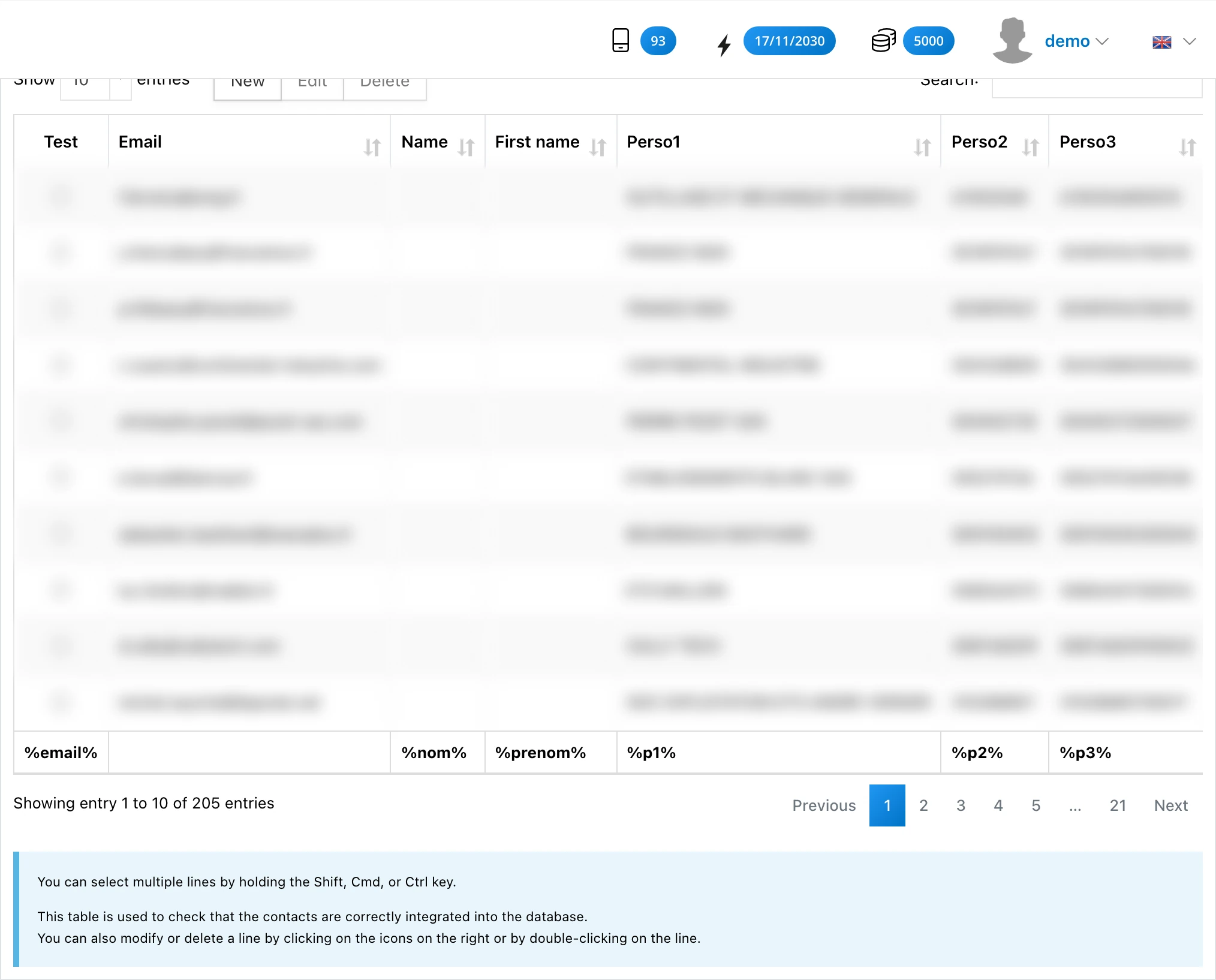
The link to the form will have the following form:
http://www.cgrx.com/?serial=XXXXXX&civilite=%p1%&nom=%nom%&prenom=%prenom%
&adresse=%p2%&code_postal=%p3%&ville=%p4%
This post is also available in Français.
Last updated on