Link to a PDF file
For some messages, it’s better to link to a file, such as a PDF, rather than include it as an attachment to your campaign.
This technique does not weigh down the message. It also allows you to retrieve the list of recipients who have opened the file.
In your pending campaign, go to the editor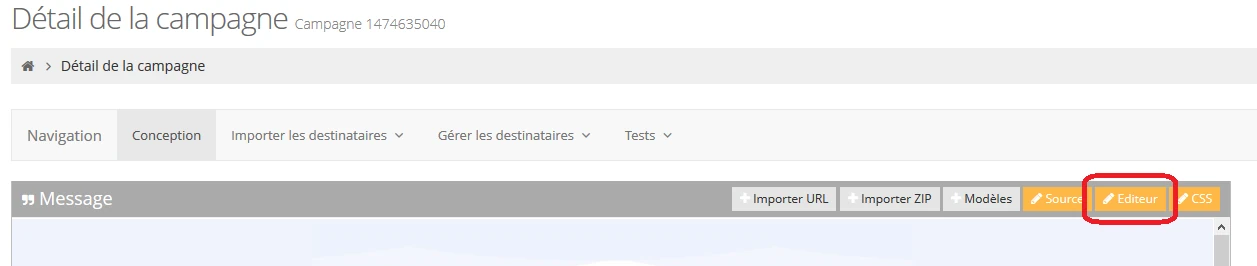
Then select the text or the image on which you want to put your pdf file and click on the “link” tool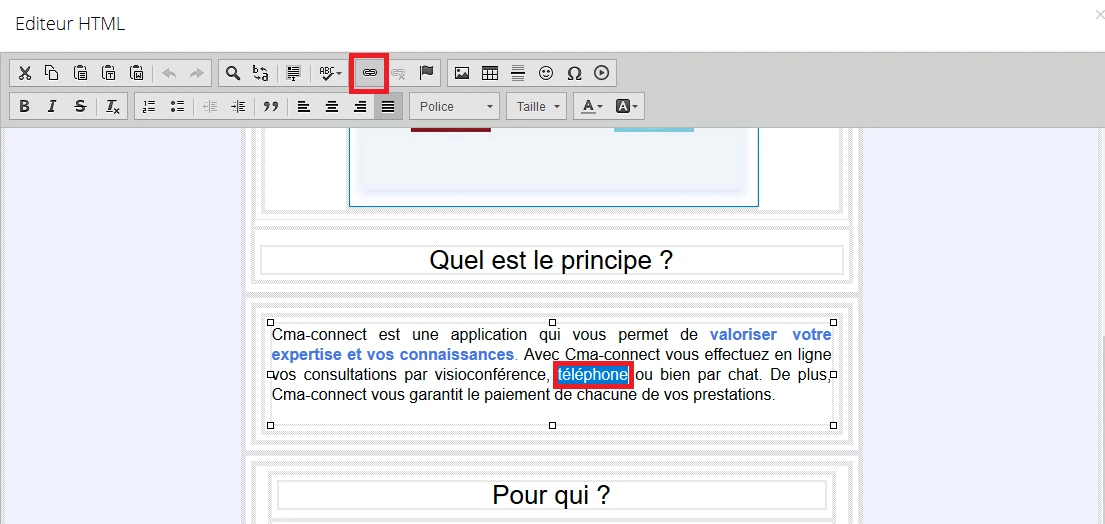
Once on the link window, go to the “send” tab, select your file and click on “send to server”.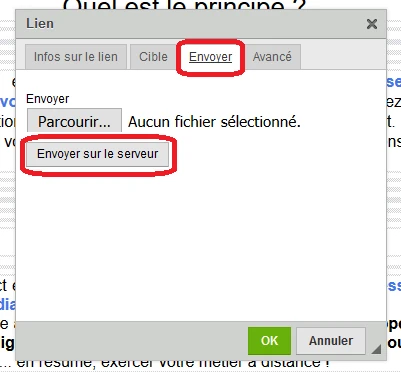
Then click ok to complete the integration of your PDF as a link.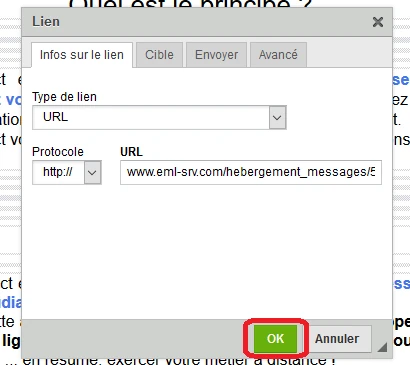
Register
This post is also available in Français.
Last updated on