Integrate Google analytics into your campaigns
If you use google analytics on your website, you have the possibility to see the traffic that your email campaign has generated on your google analytics interface.
To do this, you need to activate the automatic integration of tracking within your emails from your MDworks account.
Go to the management of your account.
(at the top right of your MDworks interface)
Then go to the “Google analytics” tab and configure your tracking.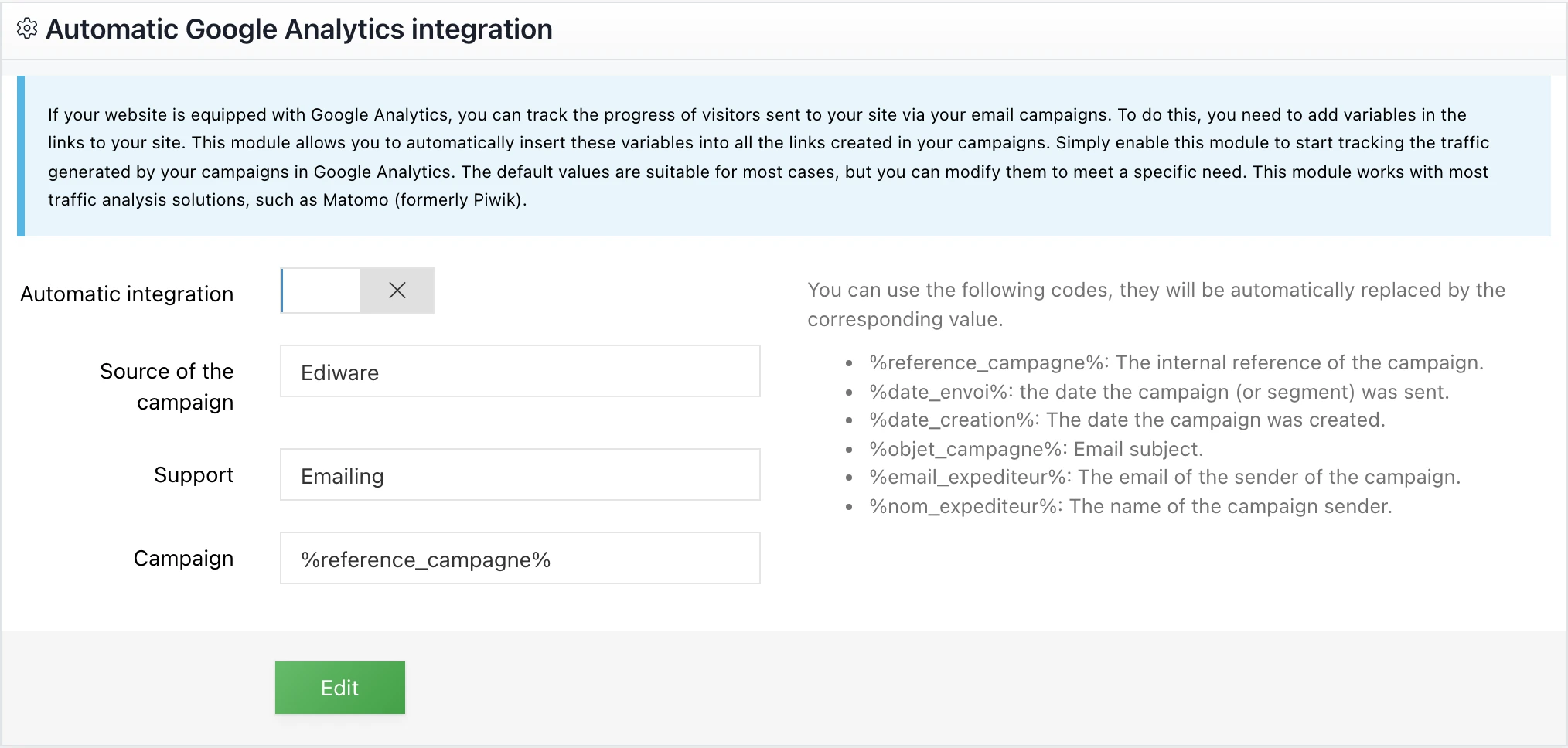
This allows you to choose which information is transmitted to Google Analytics.
Register
This post is also available in Français.
Last updated on