The images integrated in a campaign remain separated by a white space
I did my layout, the rendering under a browser is good, but when I test in a webmail the images are separated by a white frame
Explanation
Your message looks like this:
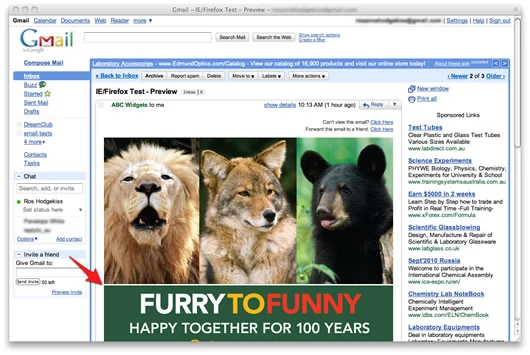
The doctype of the webmail takes precedence over that of the message.
Most webmails are starting to use this one:
This has the effect of forcing the layout in CSS, which is not always compatible with the message code.
Change the css code of a campaign to solve this incompatibility
On each image of your campaign, integrate this code in each img tag: style="display:block".
Like this:
Initially: 
Modified: 
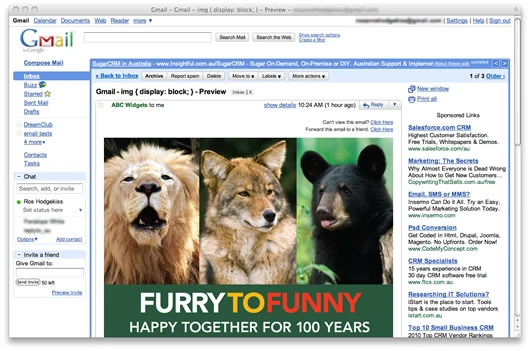
The rendering under webmail is now like this:
This post is also available in Français.
Last updated on