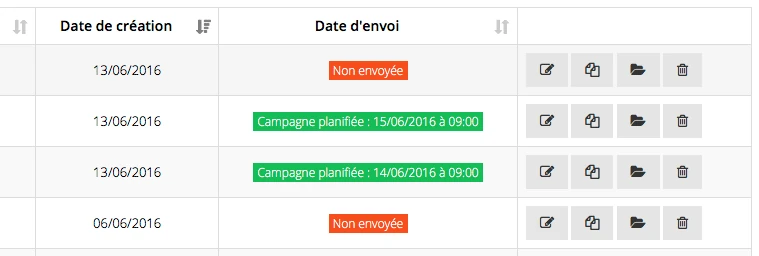
Send the campaign
Immediately
Click on “Immediate sending” (top right) then confirm. Warning: there is no rollback.
If you want to block the sending of a campaign and your campaign has more than 100,000 sendings, please contact us urgently (we only have a few minutes to react). For a smaller volume it will be too late.*
Segment the sending
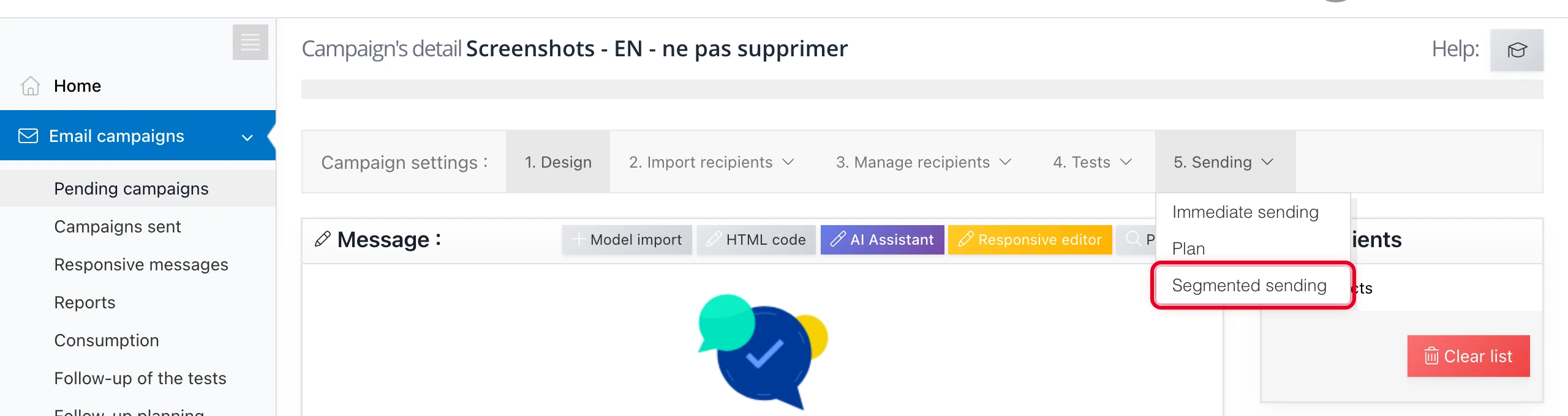
This function lets you split the campaign into several sendings.
Pick a date and a time, then enter a percentage of recipients and click on “Add”.
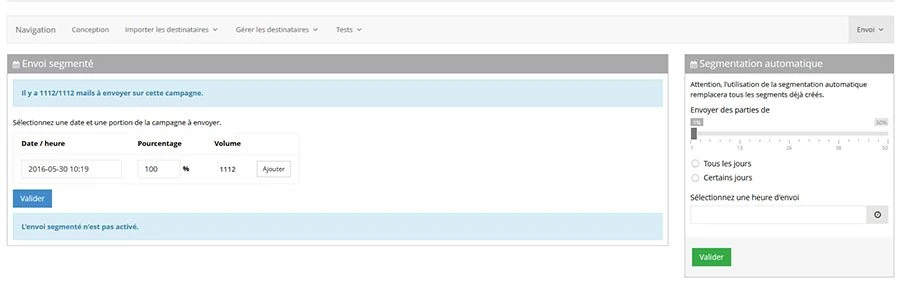
You can add as many segments as you want. Confirm your schedule by clicking on “Confirm”. A message at the bottom of the page tells you the current status of your campaign.
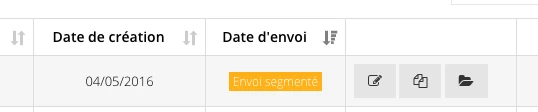
A segmented campaign is flagged as such in the campaign list on the home page.
Schedule the campaign
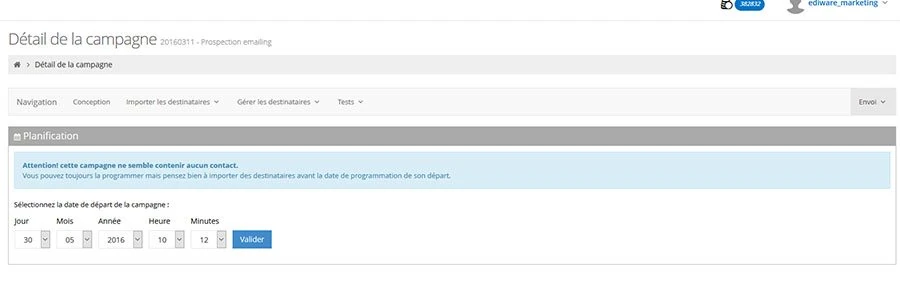
This function lets you schedule the sending of a campaign at the day and time you want.
Click on “Plan”
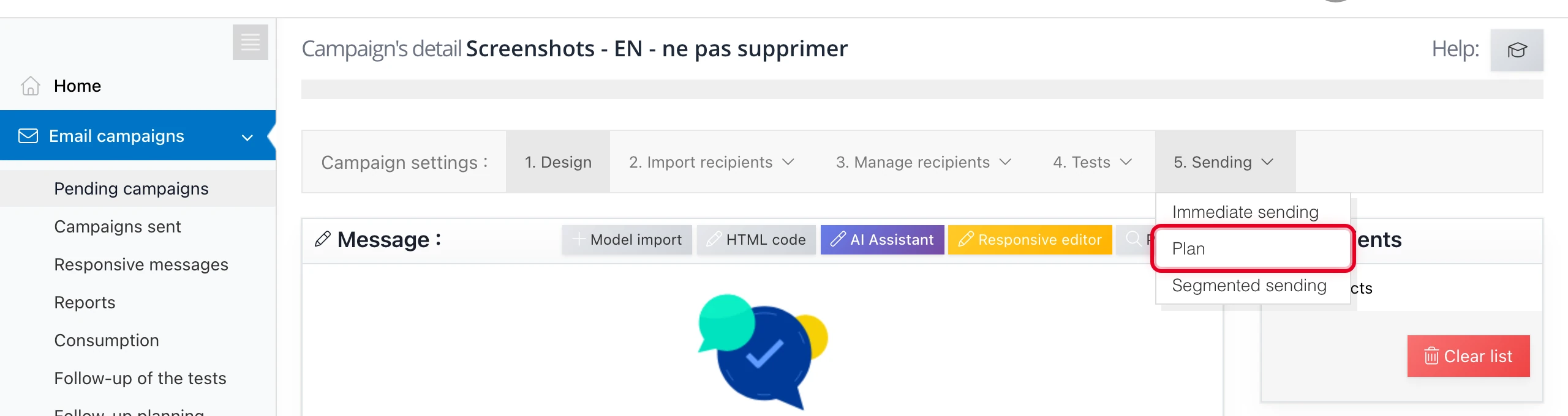
then pick the day, month, year, hour and minutes, then click on “Confirm”
A scheduled campaign is flagged as such in the campaign list on the home page.