Disable the tracking pixel for a campaign
In the Monitoring & consent section of your campaign, you can completely disable the tracking pixel for this send.
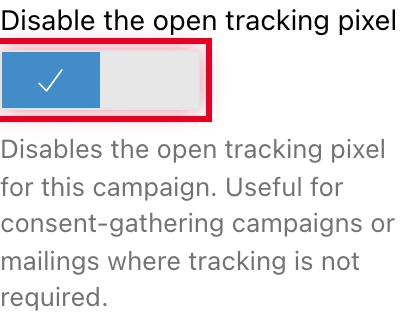
When this option is enabled, no pixel is inserted in the HTML of the emails sent. There are therefore no open statistics recorded for this send.
This option is mutually exclusive with the Campaign not subject to pixel consent (out of scope) declaration in the same portlet: to enable it, first disable that declaration if it is active. Both settings are detailed in the compliance guide.
When to use this option
Pixel consent collection campaign. If you send an email to ask your contacts for permission to track them, inserting a pixel in that message would be contradictory. Disable the pixel on this type of send.
Transactional or service email. Order confirmation, notification, reminder: for these service emails, open measurement is not relevant and the presence of a tracking pixel can raise GDPR questions. Disable the pixel.
What this option does not do
This option is independent from your contacts’ consent register. It applies to the entire campaign, whatever the composition of your list. It does not change the individual statuses in the consent register.
Locked after sending
Once the campaign has been sent, the option is locked and can no longer be changed.
Enabling it on every campaign
If none of your sends need open measurement, there is no point ticking the option every time: it can also be set as an account default value. See Account-level default pixel settings.