Lists for the BATs
The interest of this module is to be able to send the proofs of your emailing, without having to register your contacts in the list of recipients of your campaign each time.
To do this, you must first have an excel document -saved in .csv format (semicolon separator)- with the useful email addresses for the proofs.
Then go to the “Databases” section -> “Lists for TAOs” of the MDworks platform (left menu).
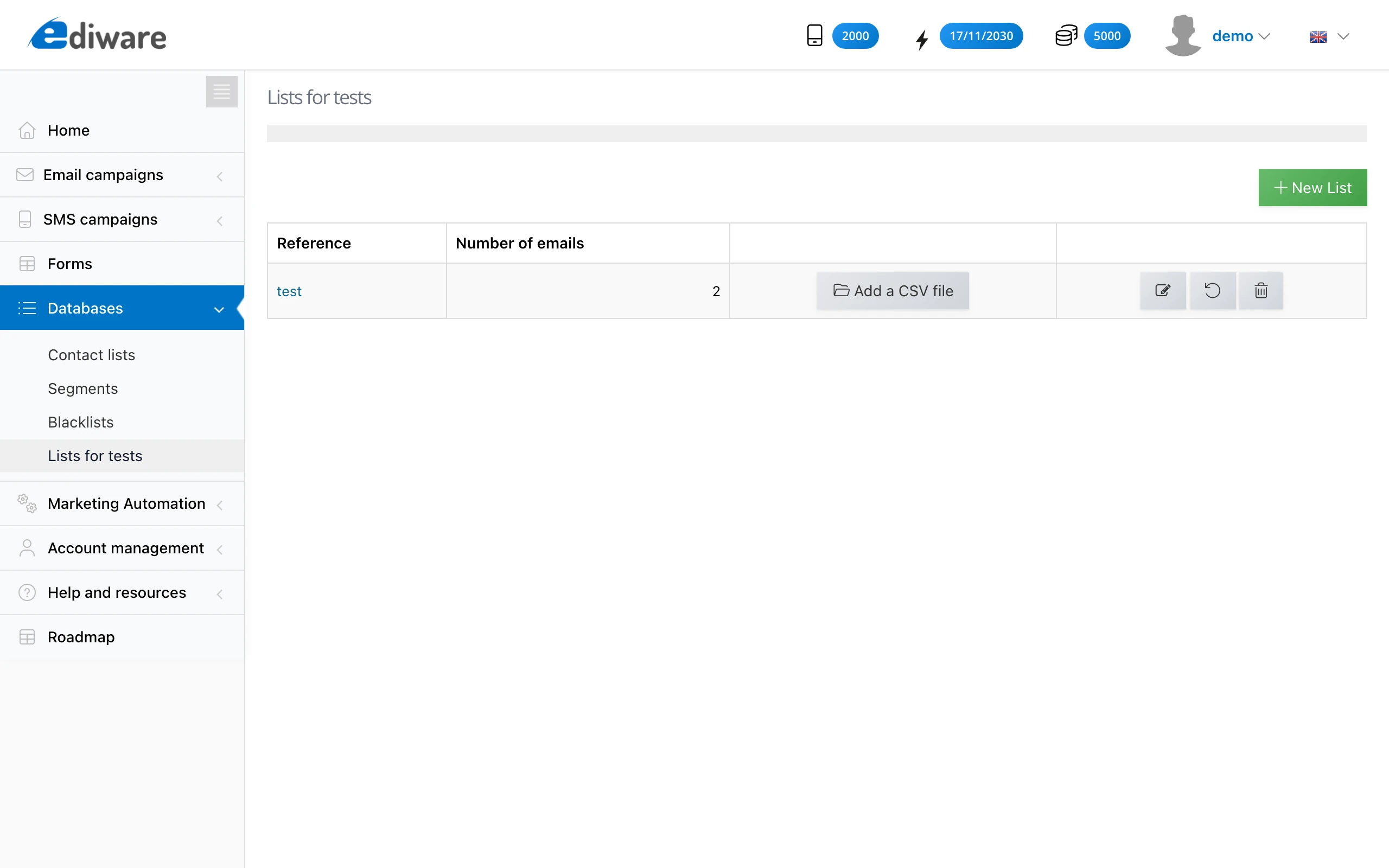
Then press the “New list” tab.
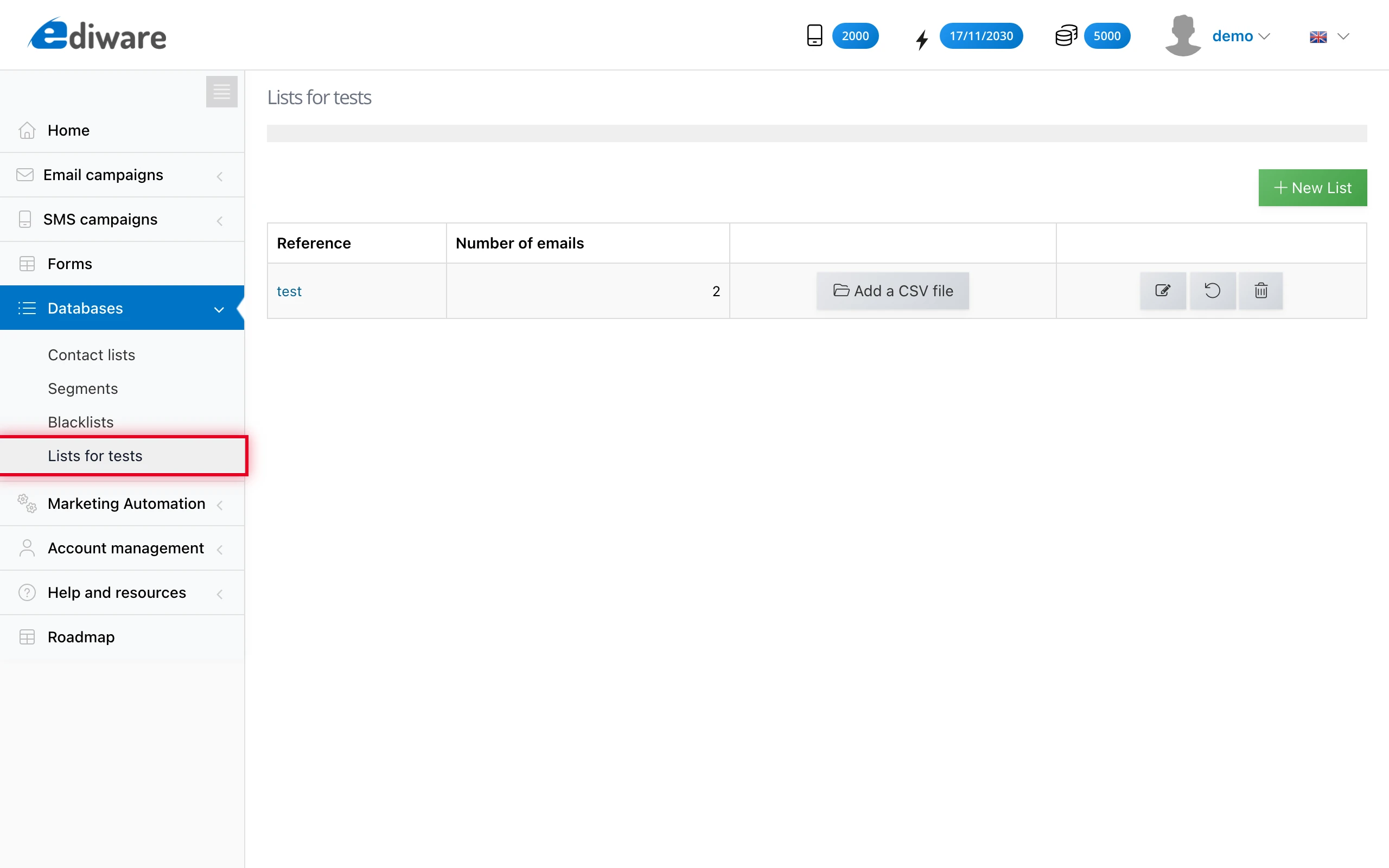
Name your list and import your csv file.
You can also add addresses manually to your list.
To use it
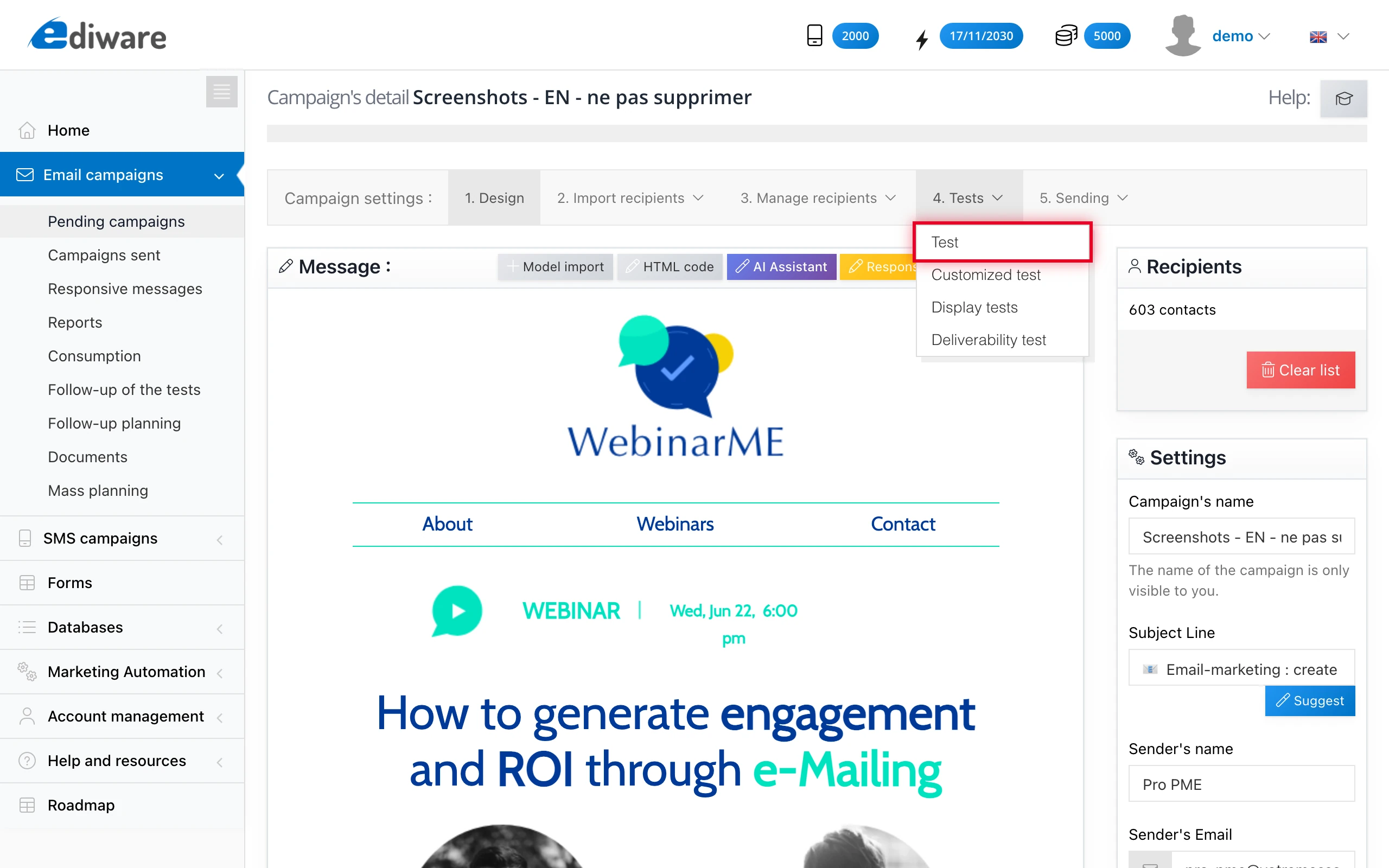
On the page of your pending campaign, go to the “Test” tab, then “BAT”.
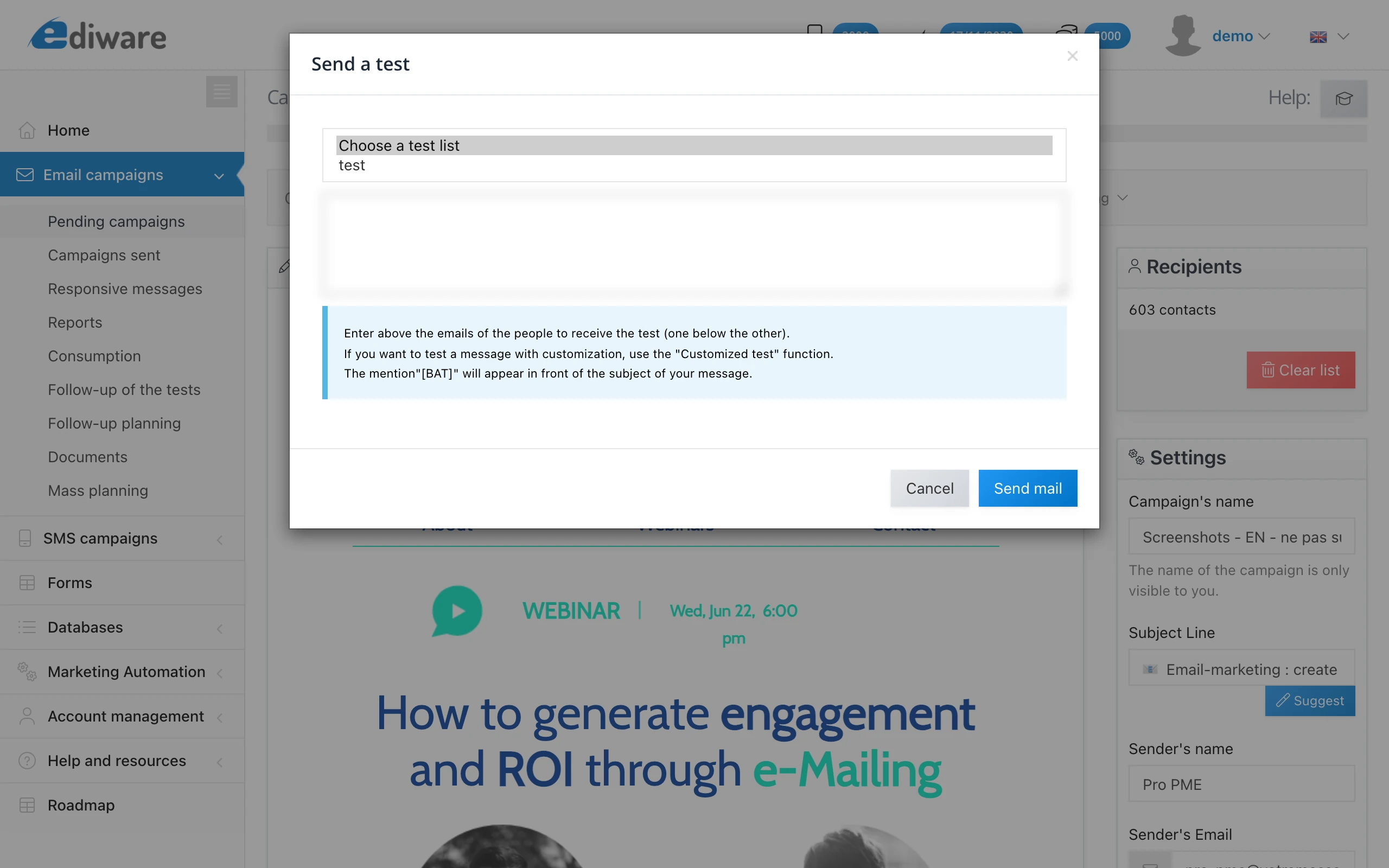
Then select the list of proofs to use in the drop-down field at the top of the window.
This post is also available in Français.
Last updated on